
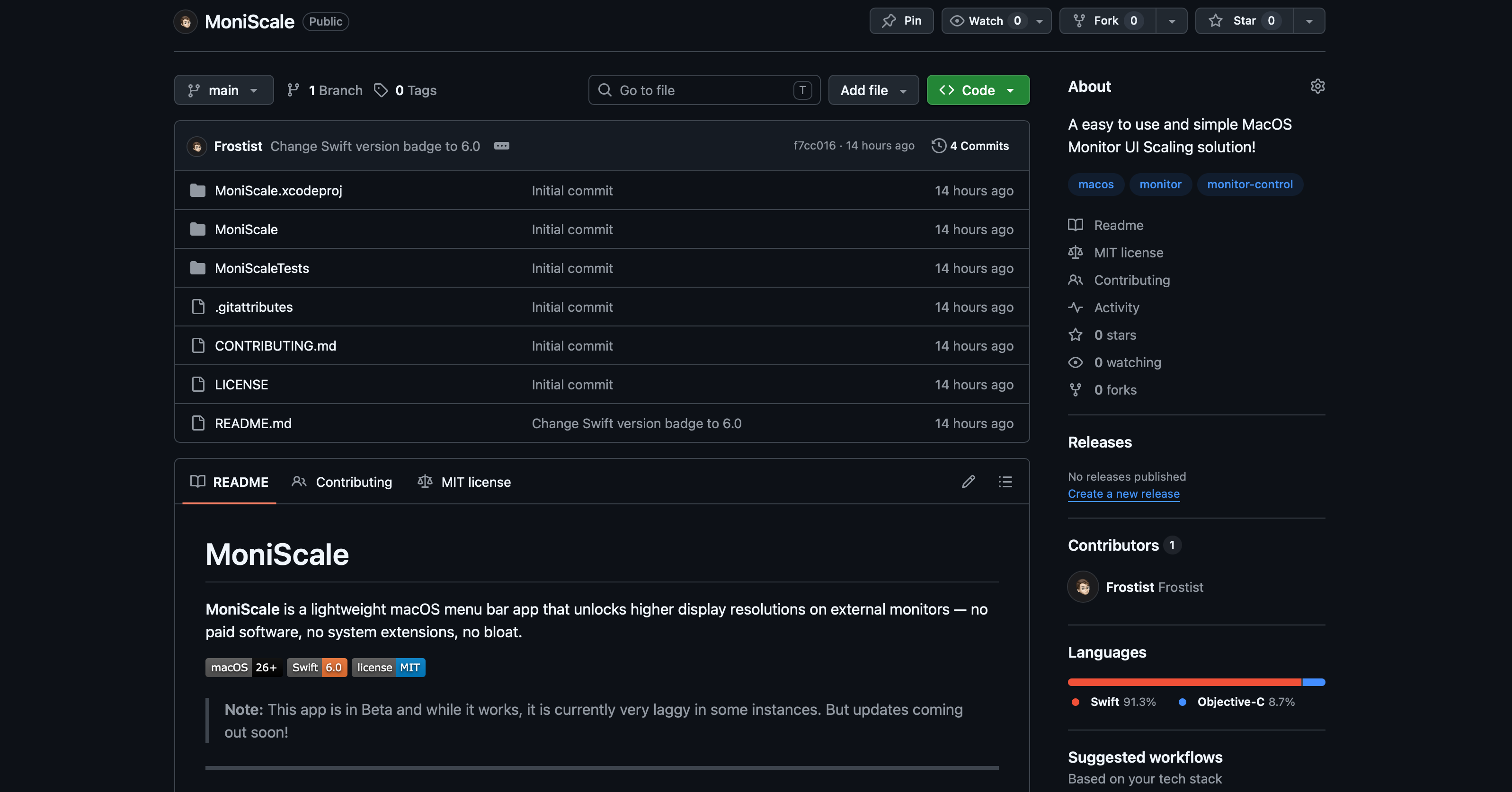
MoniScale
MoniScale is a lightweight macOS menu bar app that unlocks higher-resolution scaled modes on external monitors. Using private virtual display APIs, it creates virtual framebuffers up to 4K and mirrors them onto your physical display, delivering noticeably sharper text and UI compared to standard low-res scaled modes.
MoniScale
A easy to use and simple MacOS Monitor UI Scaling solution!
What is MoniScale?
MoniScale lives in your menu bar and gives you a single slider per connected display. Drag it to pick any resolution — from your monitor's native modes all the way up to 4K — and MoniScale applies it instantly.
The Problem
macOS restricts the available scaled resolutions on external monitors to whatever the display natively advertises. If you own a 1080p or 1440p external monitor, you're stuck with a handful of low-quality scaled modes — no 2K rendering, no 4K, even if your Mac is more than capable of driving it.
Tools that fix this are either expensive, bloated with features you don't need, or require persistent system extensions.
The Solution
Under the hood, MoniScale uses macOS's private virtual display API to create a higher-resolution virtual framebuffer, then mirrors it onto your physical display. The GPU renders at the higher resolution; macOS downsamples to your panel. The result is noticeably sharper text and UI compared to a standard low-res scaled mode.
When you quit, MoniScale cleans up all virtual displays automatically. Nothing persists, nothing lingers.
Key Features
- Menu bar app — no Dock icon, no background services, no login items required
- Per-monitor slider — one control per connected external display, labelled with exact resolution
- Native + virtual modes — lists your monitor's real hardware modes alongside virtual above-native modes (up to 4K)
- HiDPI detection — marks HiDPI modes so you always know what you're selecting
- Instant apply — changes take effect on slider release with no confirmation dialogs
- Auto-refresh — detects display connect/disconnect events automatically
- Clean teardown — all virtual displays are removed when the app quits
- Zero bloat — ~300 lines of Swift, no third-party dependencies
Requirements
- macOS 26 or later
- An external display (built-in displays are excluded)
- Xcode 26+ to build from source
Installation
MoniScale is built from source. Clone the repo and open the Xcode project:
git clone https://github.com/Frostist/MoniScale.git
cd MoniScale
open MoniScale.xcodeproj
Build and run with Cmd+R. The app appears in your menu bar as a monitor icon.
Privacy
MoniScale does not collect data, make network requests, or read any files outside its own process. It only calls local display APIs.
License
MIT — see LICENSE.
Note: MoniScale uses private macOS display APIs. Apple does not document these APIs and may change them in future OS releases. The app is intended for personal use and is not suitable for App Store distribution.
Support
At MoniScale, we're dedicated to providing you with a seamless and enjoyable experience. If you have any questions, encounter issues, or have suggestions for improvement, our support team is here to help. Please don't hesitate to reach out to me: Email: support@willfrost.co.za
We aim to respond to all inquiries promptly and effectively. Your feedback is valuable to us and helps us enhance the app for everyone.
Terms and Conditions
Your privacy is important to us. MoniScale is committed to being transparent about the data we handle. Here's what you need to know:
-
No Personal Data Collection
- We do not collect, store, or process any personal information from you when you use the MoniScale app.
- You can use all features of our app without providing personal details such as your name, email address, or location.
-
Data Provided by Apple
- The only data we receive comes from Apple in the form of aggregated statistics.
- This data includes information like the total number of downloads and uninstalls of the app.
- All data provided by Apple is anonymized and cannot be traced back to any individual user.
-
Use of Aggregated Data
- We use the aggregated data from Apple to understand overall app performance and user engagement.
- This information helps us improve MoniScale's features and functionality for a better user experience.
-
No Third-Party Data Sharing
- We do not share any data with external parties.
- MoniScale does not integrate with third-party analytics tools or advertising networks.
-
Data Security
- Even though we do not collect personal data, we are committed to maintaining high security standards within the app to protect your experience.
-
Children's Privacy
- MoniScale is designed for users of all ages.
- We do not knowingly collect any data from children, in compliance with international regulations.
-
Changes to This Privacy Policy
- Any updates to our privacy practices will be reflected in this Privacy Policy.
- We encourage you to review this section periodically for the latest information.
By using MoniScale, you acknowledge that you understand and agree to this Privacy Policy. We are committed to keeping your experience secure and confidential.
If you have any questions or concerns about our Privacy Policy, please contact me at: support@willfrost.co.za